Bugcrowd
Overview
Section titled “Overview”Integrate your Risk Register with Bugcrowd. This integration imports bug bounty submissions as risk records, allowing you to manage vulnerabilities discovered through your Bugcrowd program.
- Source: Bug Bounty
- Type: Control Deficiency
- Opened By: The integration user for the connection, named for the product and the connection — for example “Bugcrowd Production”. See Integration users.
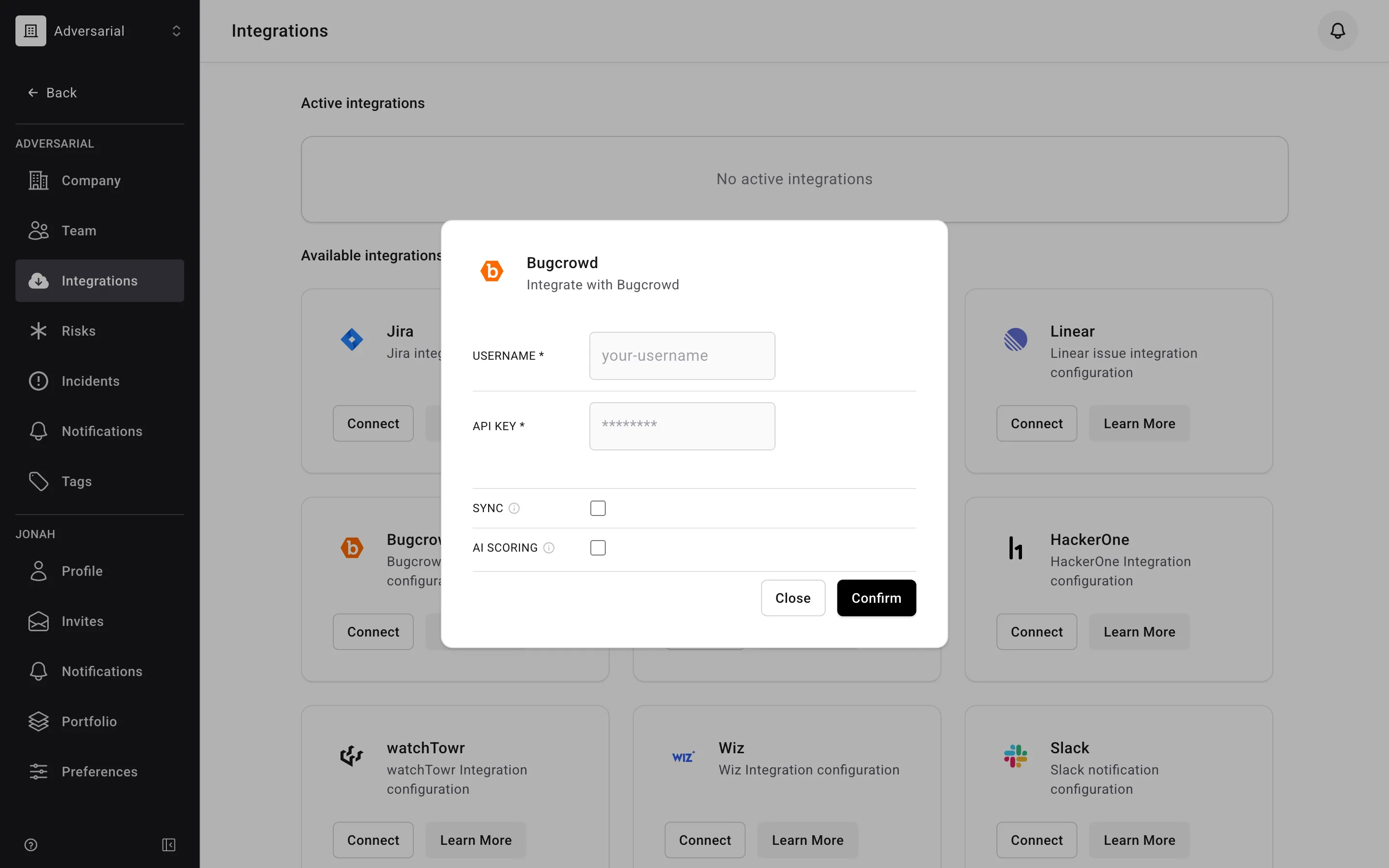
The integration can be enabled directly from your Adversarial tenant via Settings > Integrations. The necessary details to connect your Bugcrowd environment are your Username and API Key.
Status Mapping
Section titled “Status Mapping”Bugcrowd submission states are mapped to Adversarial risk statuses:
| Bugcrowd State | Adversarial Status |
|---|---|
New |
New |
Triaged |
New |
Unresolved |
New |
Resolved |
Closed |
Informational |
Closed |
Out of Scope |
Closed |
Not Reproducible |
Closed |
Not Applicable |
Closed |
Only submissions closed as Resolved receive a Closed Date. Submissions closed as Informational, Out of Scope, Not Reproducible, or Not Applicable are set to Closed with no Closed Date.
Severity Mapping
Section titled “Severity Mapping”Bugcrowd priority maps to Adversarial Initially Reported Urgency (IRU):
| Bugcrowd Priority | Adversarial IRU |
|---|---|
| P1 (Critical) | Critical |
| P2 (Severe) | High |
| P3 (Moderate) | Medium |
| P4 (Low) | Low |
| P5 (Informational) | Info |
Submissions with a severity value Adversarial doesn’t recognize are treated as P4 and import as Low.
Fields
Section titled “Fields”| Bugcrowd Field | Adversarial Field | Notes |
|---|---|---|
title |
Title | |
description |
Description | Prefixed with a link to the Bugcrowd submission |
submitted_at |
Discovered Date | |
last_transitioned_to_resolved_at |
Closed Date | Only for submissions resolved in Bugcrowd |
severity |
IRU | Via priority mapping above |
remediation_advice |
Remediation Task | |
assignees (email) |
Assigned To | Matched to an organization member by email; see Assigned To |
| (static) | Source | Always “Bug Bounty” |
| (static) | Type | Always “Control Deficiency” |
Assigned To
Section titled “Assigned To”When a submission is assigned to someone in Bugcrowd, Adversarial matches that person to a member of your organization by email address. If an active member has the same email, they are set in the Assigned To field on the imported risk. If no member matches — or the submission is unassigned — the risk is imported unassigned.
If a submission has more than one assignee in Bugcrowd, only the first is used. Bugcrowd exposes an email address only for your program’s team members and Bugcrowd staff, so a submission assigned to a researcher imports unassigned.
On later syncs, Adversarial fills in the assignee only when the risk doesn’t already have one. It never changes an assignee you’ve set in Adversarial, so reassigning a risk on the platform sticks even when the Bugcrowd assignee is different.