GreyMatter
Overview
Section titled “Overview”Integrate your Incident Register with GreyMatter. This integration syncs GreyMatter incidents every 15 minutes, with a full re-sync nightly.
- Source: Managed Detection and Response (MDR)
- Opened By: The integration user for the connection, named for the product and the connection — for example “GreyMatter Production”. See Integration users.
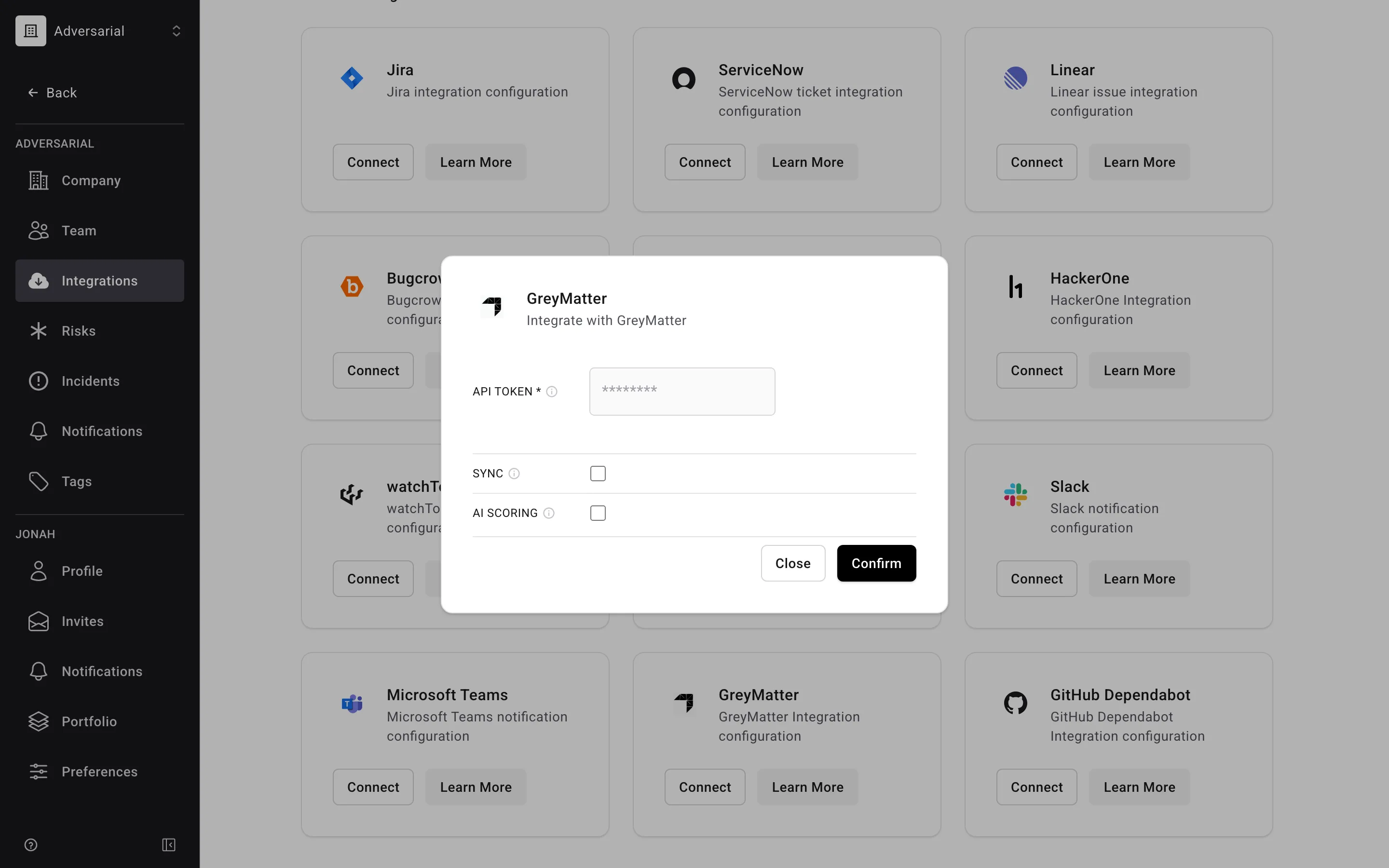
The integration can be enabled directly from your Adversarial tenant via Settings > Integrations. The API Token needs read permissions for incidents.
Status Mapping
Section titled “Status Mapping”Once the GreyMatter AI reviews and accepts a new incident, a record is created in Adversarial with the status mapped from its GreyMatter state, per the table below. Occurred Date and Detected Date are brought over from GreyMatter.
| GreyMatter State | Adversarial Status | Notes |
|---|---|---|
NEW |
Not imported | Excluded — incidents may disappear due to deduplication |
IN_PROGRESS |
In Progress | Occurred Date and Detected Date carried over |
PENDING_CUSTOMER |
In Progress or Review | In Progress by default; Review if the incident was previously resolved and re-opened |
RESOLVED |
Review | Contained Date carried over if populated in GreyMatter. An incident already Closed in Adversarial stays Closed rather than moving back to Review |
CLOSED |
Closed |
Severity Mapping
Section titled “Severity Mapping”GreyMatter severity values do not influence the assigned severity value in Adversarial. Adversarial assigns severity one of two ways:
-
Deterministic SEV-5 — if the incident is closed in GreyMatter with a close code indicating it was benign, it is imported as SEV-5 with the close note used as the severity reasoning (or the close code, when the note is empty).
GreyMatter Close Code Adversarial Severity CUSTOMER_FALSE_POSITIVESEV-5 CUSTOMER_SECURITY_CONTROL_TESTINGSEV-5 FALSE_POSITIVE_CREATE_TUNING_TICKETSEV-5 FALSE_POSITIVE_NO_ESCALATIONSEV-5 ANOMALOUS_SAFE_NO_ESCALATIONSEV-5 -
AI or manual scoring — for all other incidents, no severity is assigned on import. Users can AI Score or assign severity manually.
Fields
Section titled “Fields”| GreyMatter Field | Adversarial Field | Notes |
|---|---|---|
ticketNumber, title |
Title | Composed as the ticket number followed by the rule name |
| (multiple fields) | Description | Assembled from incident details; updated if changed in GreyMatter |
originator_created_at |
Detected Date | Falls back to created_at |
originator_created_at |
Occurred Date | |
escalated_at |
Responded Date | |
resolved_at |
Contained Date | Set when the incident enters RESOLVED; remains populated through CLOSED |
closeCode |
Description | Resolution category; appended to the description on close |
closeNote |
Description | Analyst’s resolution notes; appended to the description on close |
assignee.email |
Assigned To | Matched to an organization member by email; see Assigned To |
| (static) | Source | Always “Managed Detection and Response (MDR)” |
Title and Description are both updated on every sync, so a title edited manually in Adversarial is overwritten on the next sync.
Assigned To
Section titled “Assigned To”When a GreyMatter incident is assigned to someone, Adversarial matches that person to a member of your organization by email address. If an active member has the same email, they are set in the Assigned To field on the imported incident. If no member matches — or the incident is unassigned — the incident is imported unassigned.
On later syncs, Adversarial fills in the assignee only when the incident doesn’t already have one. It never changes an assignee you’ve set in Adversarial, so reassigning an incident on the platform sticks even when the GreyMatter assignee is different.