Configuring Your Threat Profile
Your Threat Profile captures the likelihood and impact of adversary objectives based on your organization’s business model and threat surface. It is the baseline the platform reports against: the heat map, the Threats card on the Home dashboard, and the Threat Profile slide in generated reports all reflect it.
Entering Edit Mode
Section titled “Entering Edit Mode”Click Edit Threats in the top right of the Threat Profile page to open the editor. If a proposal is already open, the button reads Review instead, with a count of the objectives that have changed.
Positioning Threat Objectives
Section titled “Positioning Threat Objectives”The editor displays a 5x5 heat map grid alongside a palette of the six threat objectives. To update a threat’s position:
- Drag an objective directly onto the grid cell that matches its Likelihood of Attempt (Remote through Imminent) and Impact if Successful (Very Low through Severe).
- As you reposition an objective, a displacement arrow marks the change on the grid, and a pending proposal card on the right displays the updated coordinates and explanatory narrative.
- An indicator dot appears on the modified objective in the palette.
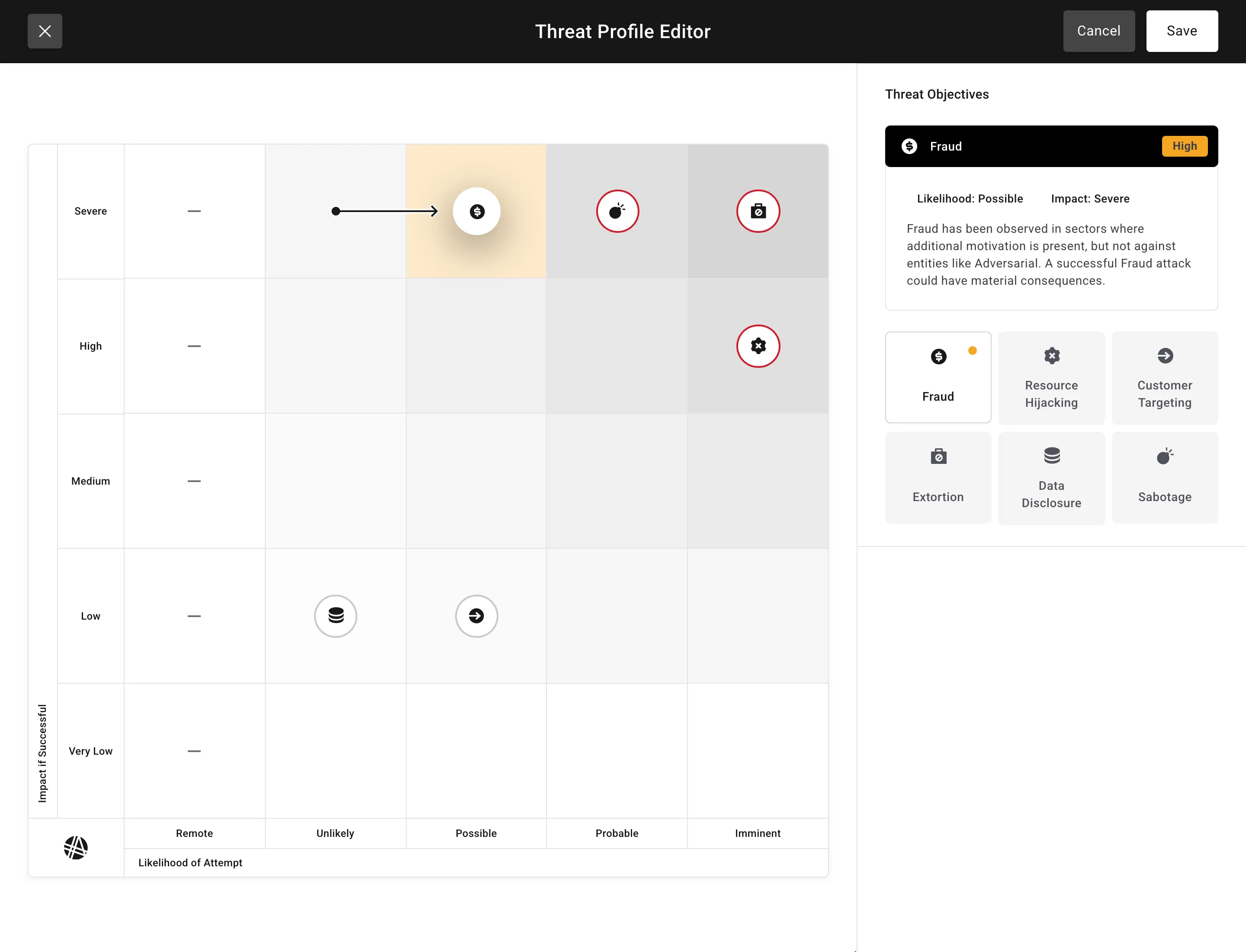
Experiment with different positions to find the configuration that best reflects your organization’s business model and threat surface.
Threat Objectives
Section titled “Threat Objectives”The six threat objectives consolidate the threat landscape into core categories.
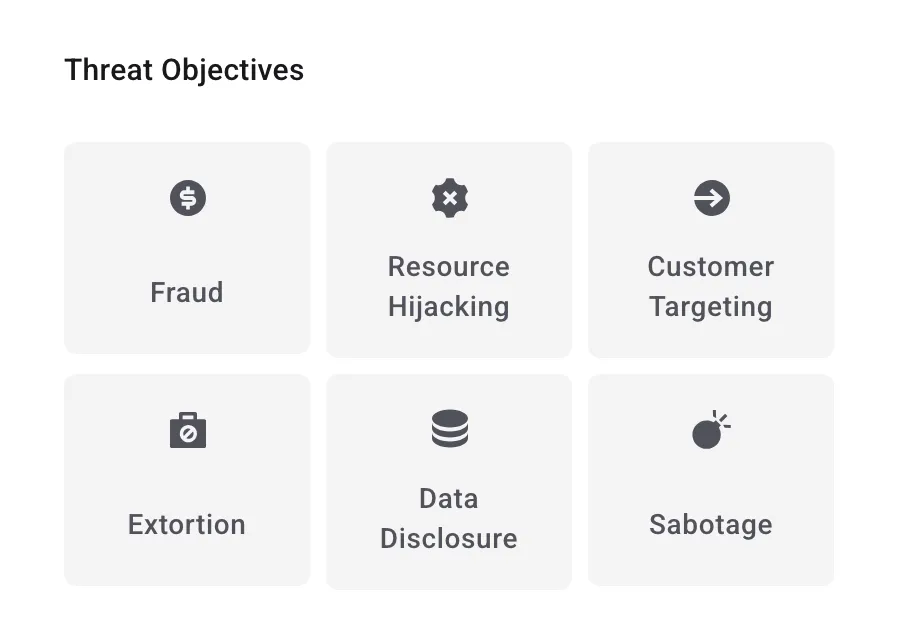
For definitions of each objective, see Threat Objectives.
Save and Approve
Section titled “Save and Approve”Once you are satisfied with the configuration:
- Click Save in the editor header to stage the proposal.
- Approve the saved profile — or Reject it to discard the proposed positions.
These two steps can be assigned to separate roles — for example, one person configures and saves while another reviews and approves. Only one proposal can be open at a time, and it can be edited further until it is approved or rejected.
How Changes Propagate
Section titled “How Changes Propagate”When a Threat Profile is saved and approved, the updated threat objective scores flow through the platform: the heat map, the Threats card on the Home dashboard, and the Threat Profile slide in the generated report all show the new scores.
Existing risk urgencies and incident severities are not recalculated. Those are scored on their own merits, and the threat objectives already attached to each record are unchanged.
To understand how these priorities appear visually, see Threat Profile for heat map interpretation.