Teams

-
Open Microsoft Teams and create a designated channel for notifications. If a channel already exists, navigate to your Teams and Channel.
-
Click the more chat options icon (⋯) on the channel and select Workflows.
-
In the template search bar, search for Send webhook alerts to a channel. This will allow you to generate a webhook URL.
-
Once selected, populate the parameters:
- Assign the Team the channel is in.
- Assign the Channel.
- Click Save.
-
Click Add workflow.
-
Copy the generated webhook URL. This may be a Power Platform workflow URL (
https://...powerplatform.com/...) or an Azure Logic Apps URL (https://...logic.azure.com/...). -
Navigate to your Adversarial tenant, go to Settings > Integrations.
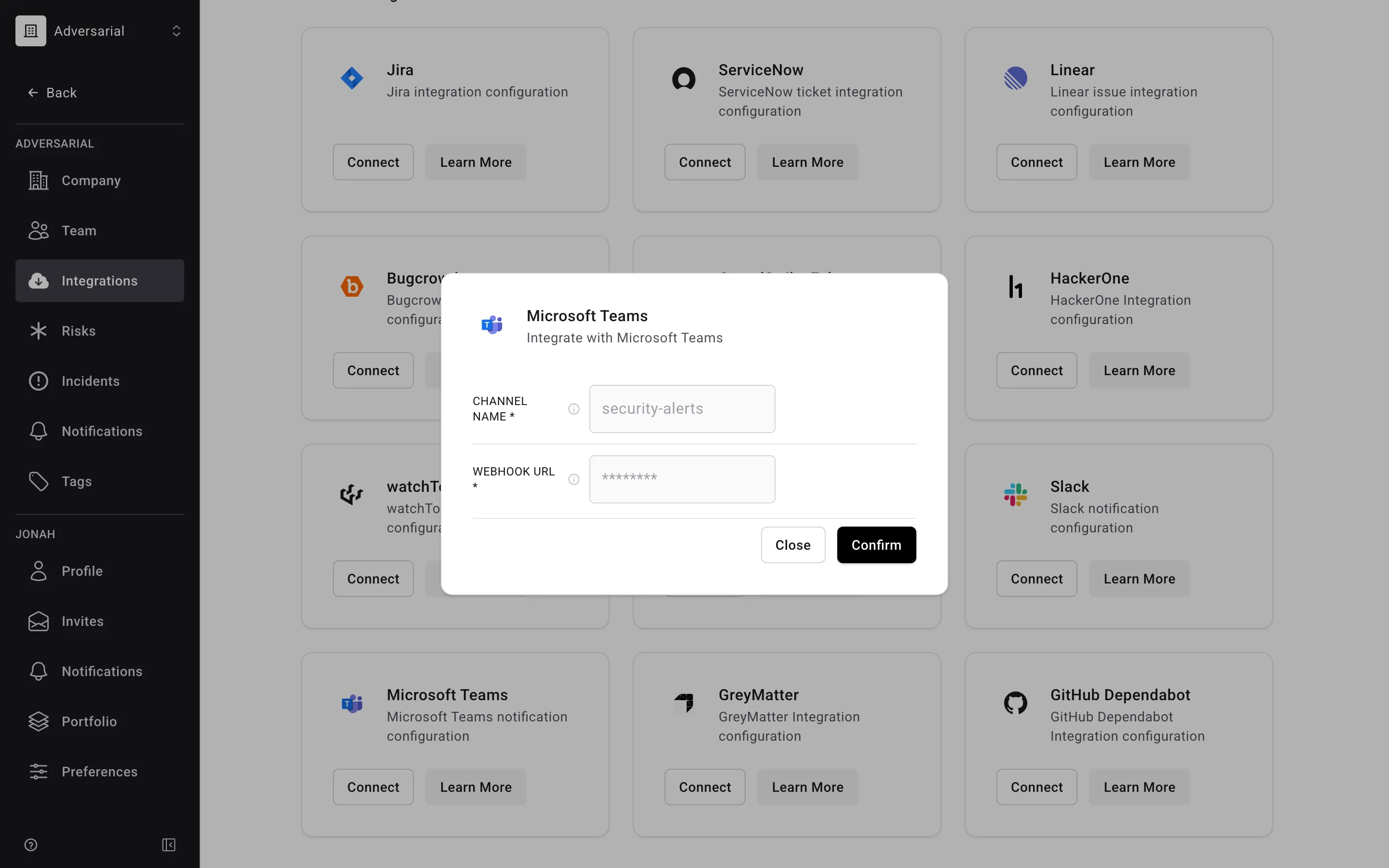
- Locate the Teams integration and click Connect.
- Enter the Channel Name.
- Paste the webhook URL generated in step 6.
- Click Confirm to finalize the integration.
-
Navigate to Settings > Notifications under the Company settings section. These notification settings are for the organization, not the individual. Configure the notifications to be sent to your designated Teams channel.