Linear
Overview
Section titled “Overview”The Linear integration lets you create Linear issues and link existing ones directly from risks and incidents in Adversarial. A single risk or incident can have one or multiple linked issues.
The integration connects to Linear using an API Key scoped to your organization’s Linear account. You configure which Linear team issues are filed into, and the integration creates, searches, and links issues against that team.
Enable the integration from your Adversarial tenant via Settings > Integrations. You will need:
- API Key — a Linear API Key from your organization’s Linear account. In Linear, go to Settings > My Account > API and create a new key. Copy it immediately — Linear only shows it once.
- Team Key — the short identifier for the Linear team you want to file issues into (for example,
ENGorSEC). You can find the team key in Linear under Settings > Workspace > Teams, or read it from the prefix of any existing issue in that team (e.g.,ENG-123).
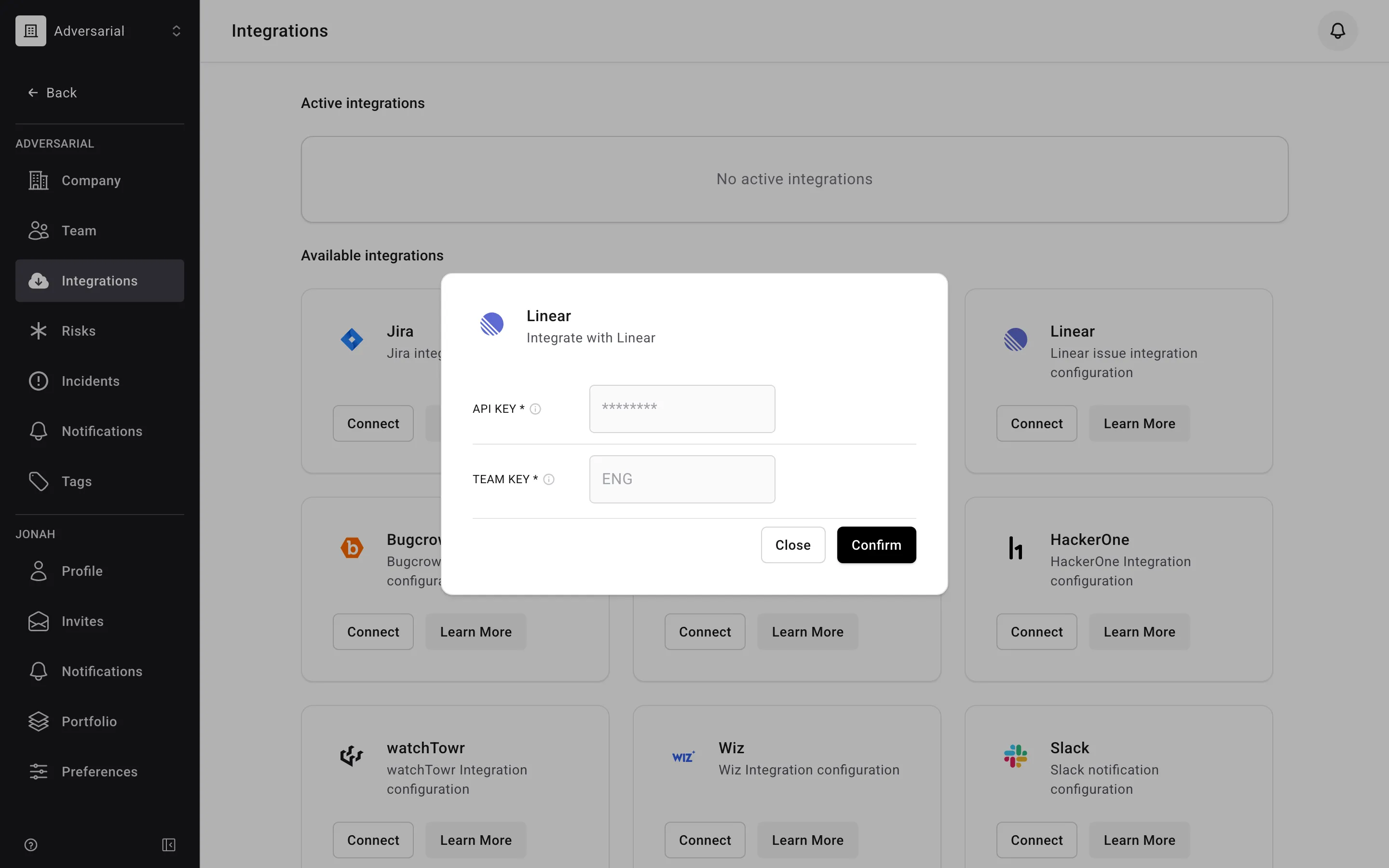
Enter both values in the integration configuration page and save. Adversarial resolves the team key to a stable internal identifier at save time, so issues continue to file correctly even if the team key is renamed in Linear later.
Creating a New Issue
Section titled “Creating a New Issue”In the Tickets section of a risk or incident record, select Linear (if more than one ticketing integration is configured) and then + Create Ticket.
The issue is created straight away in the team you configured, using the record’s Title and Description as they stand — there is nothing to fill in first. It appears in the record’s ticket list; click its identifier to open it in Linear, and edit the title or description there if you need to.
Linking an Existing Issue
Section titled “Linking an Existing Issue”In the Tickets section, select Linear and search for an existing issue by title or identifier (for example, ENG-123). Select the result to link it to the record. Issues that Linear has archived — it archives completed and cancelled issues automatically — do not appear in the results.
Unlinking
Section titled “Unlinking”Remove a link from the same Tickets section. Unlinking removes the association in Adversarial; it does not delete or modify the issue in Linear.